.png)
Facebook Lead Ads Integration
What it does
- Instantly sends Facebook and Instagram lead form submissions into Chekkit.
- Creates a new message thread or lead in your Inbox so your team can reply fast.
- Keeps everything organized in one place alongside your texts, emails, and Google messages.
- Works with multiple Facebook Pages and lead forms.
How to connect
-
In Chekkit, go to Settings → Meta.

-
Click Login with Facebook and log in with the Facebook account that manages your Page.
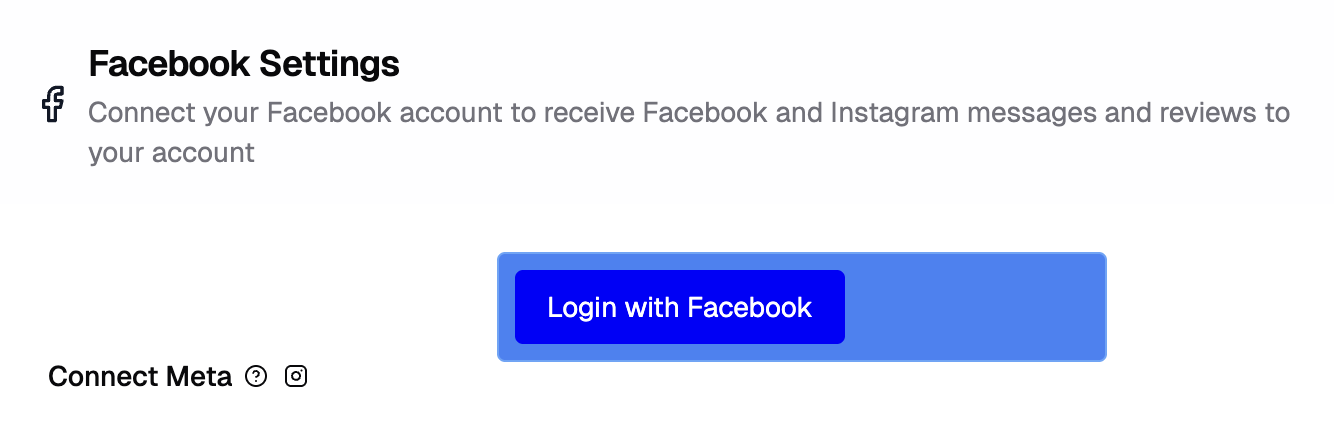
- Choose the Page(s) you want to connect.
- Click Finish; you’ll see your Page listed as Connected.

That’s it! New leads from your ads will start showing up automatically in Chekkit.
Troubleshooting
- "My Page isn’t showing up."
- Make sure you’re an admin of that Page on Facebook. If it’s managed through a Business Manager, ensure you have full Page access.
- "New leads aren’t appearing in Chekkit."
- Double-check that your lead form is attached to the Page you connected. Try reconnecting to Facebook in Chekkit to refresh the connection under Settings → Meta.
- "My connection expired."
- Facebook connections can expire after a while. Just reconnect under Settings → Meta.
Need help?
If you’re still having trouble connecting or receiving leads, reach out to support@chekkit.io with your page name and a short description of the issue. Our team will help you get set up!