.png)
How to Make/Receive a Call Using Chekkit Voice
Overview
Chekkit Voice allows you to make outbound calls directly from the Inbox, keeping all communication in one place.
How to Make a Call Using Chekkit Voice

- Go to Inbox
- Open a customer conversation
- Click the Call button at the top
- The call will initiate immediately
What Happens Next
- The call is placed using your Chekkit number
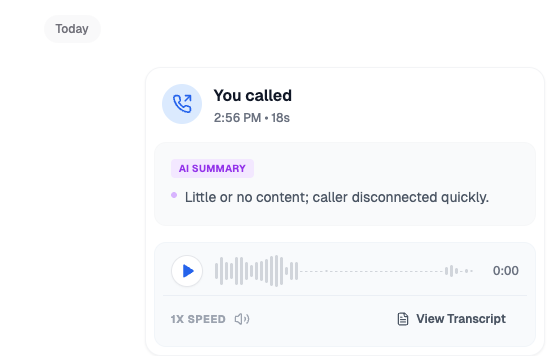
- The call is logged automatically
- Recording/transcription applies if enabled
How to Receive Calls in Chekkit
Overview
Incoming calls are routed based on your Voice settings and appear in real time.

What Happens When a Call Comes In
- Calls ring based on your selected routing mode
- The first available user can answer (depending on setup)
- If unanswered → voicemail settings apply
After the Call
- Call appears in the Inbox
- Recording + transcript (if enabled)
- Timestamp and duration logged