
How to Cancel Your Account
Cancel Your Account
If you're considering canceling your Chekkit account, you can do so easily through our self-serve option. Follow these steps to manage your subscription:
- Navigate to your billing settings in your Chekkit account.
-
Click on the Cancel account button.
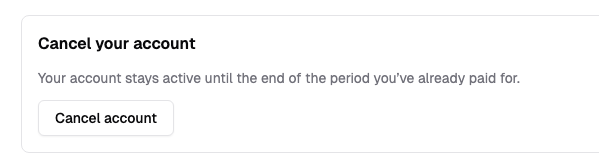
You'll receive a confirmation of the change, including the cancellation effective date. An email confirmation will also be sent to you.
Note: Only users with billing permissions can perform these actions. If you have further questions, please contact our support team at support@chekkit.io.