.png)
Finding your Zillow URL
Step 1:
Zillow URL
- Open your Zillow page in a browser.
- Scroll down to the Write a Review button and click it to generate your review URL.
- Copy that review URL.
Step 2:
Paste the URL into Chekkit. Go to Settings, then Review, and click Update next to Custom Review Sites.
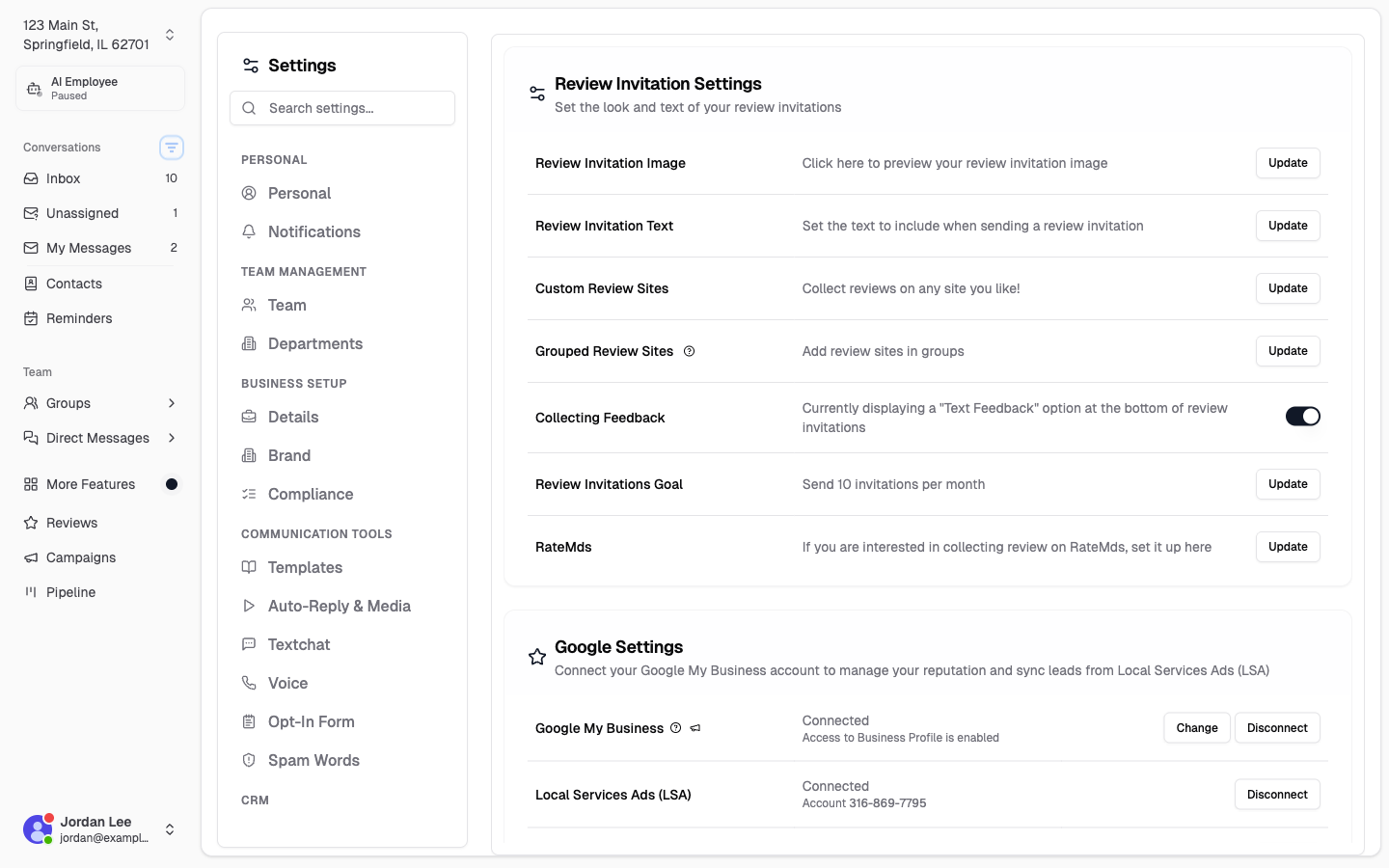
Paste your copied URL into the available field and click Add New Url, then Save.
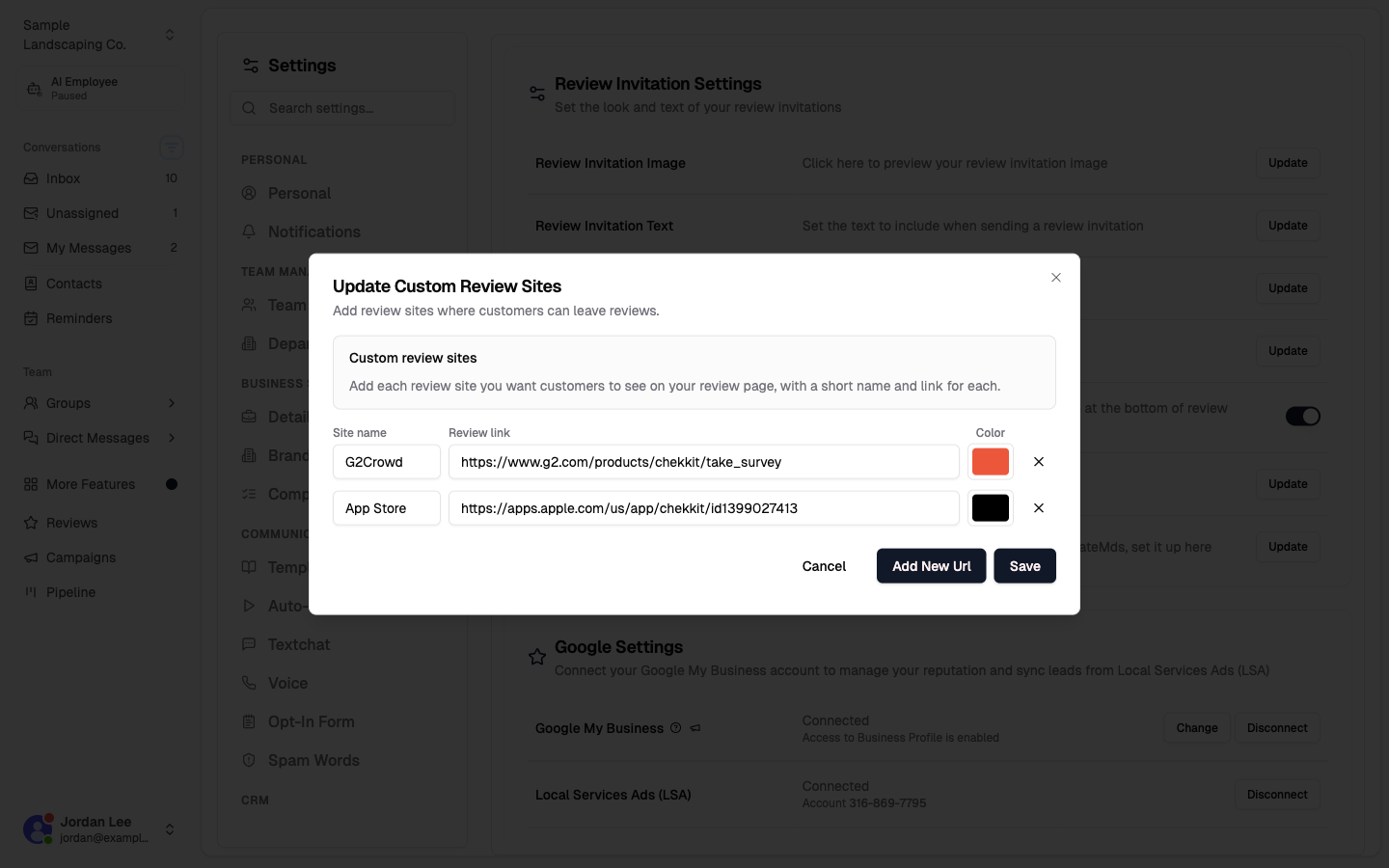
Your customers will now be given the option to leave a review for your business on the review site of your choosing. If you'd like to change the colour of the bubble, click the colour next to the URL.
* * *
Hopefully, this helps you get everything running, but if you have any difficulties or other questions please contact us at support@chekkit.io!