.png)
Finding your G2 Crowd URL
Step 1:
G2 Crowd URL
Open your G2 Crowd page in a browser and copy the URL customers use to leave a review.
Step 2:
Paste the URL into Chekkit. Go to Settings, then Review, and click Update next to Custom Review Sites.
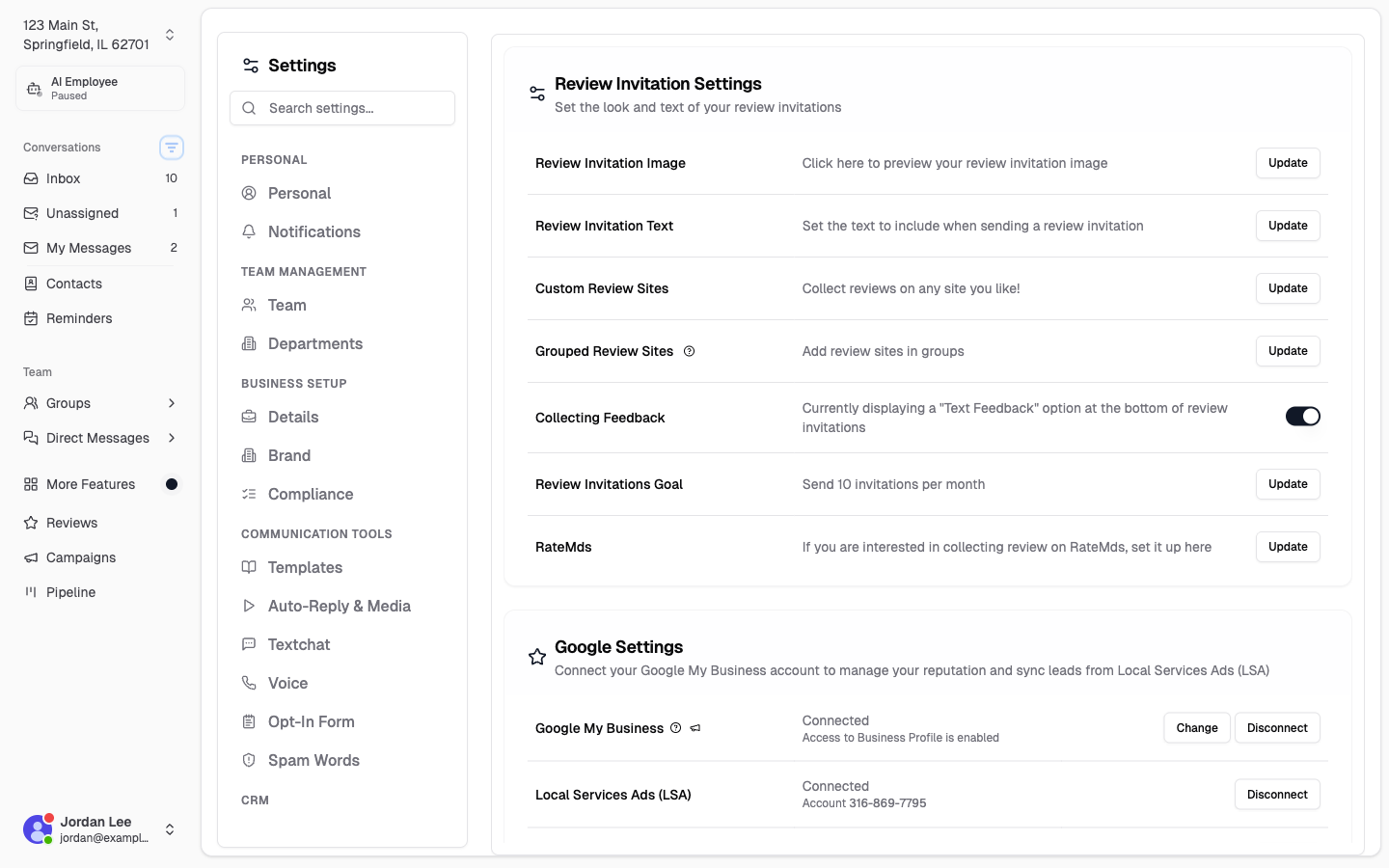
Paste your copied URL into the available field and click Add New Url, then Save.
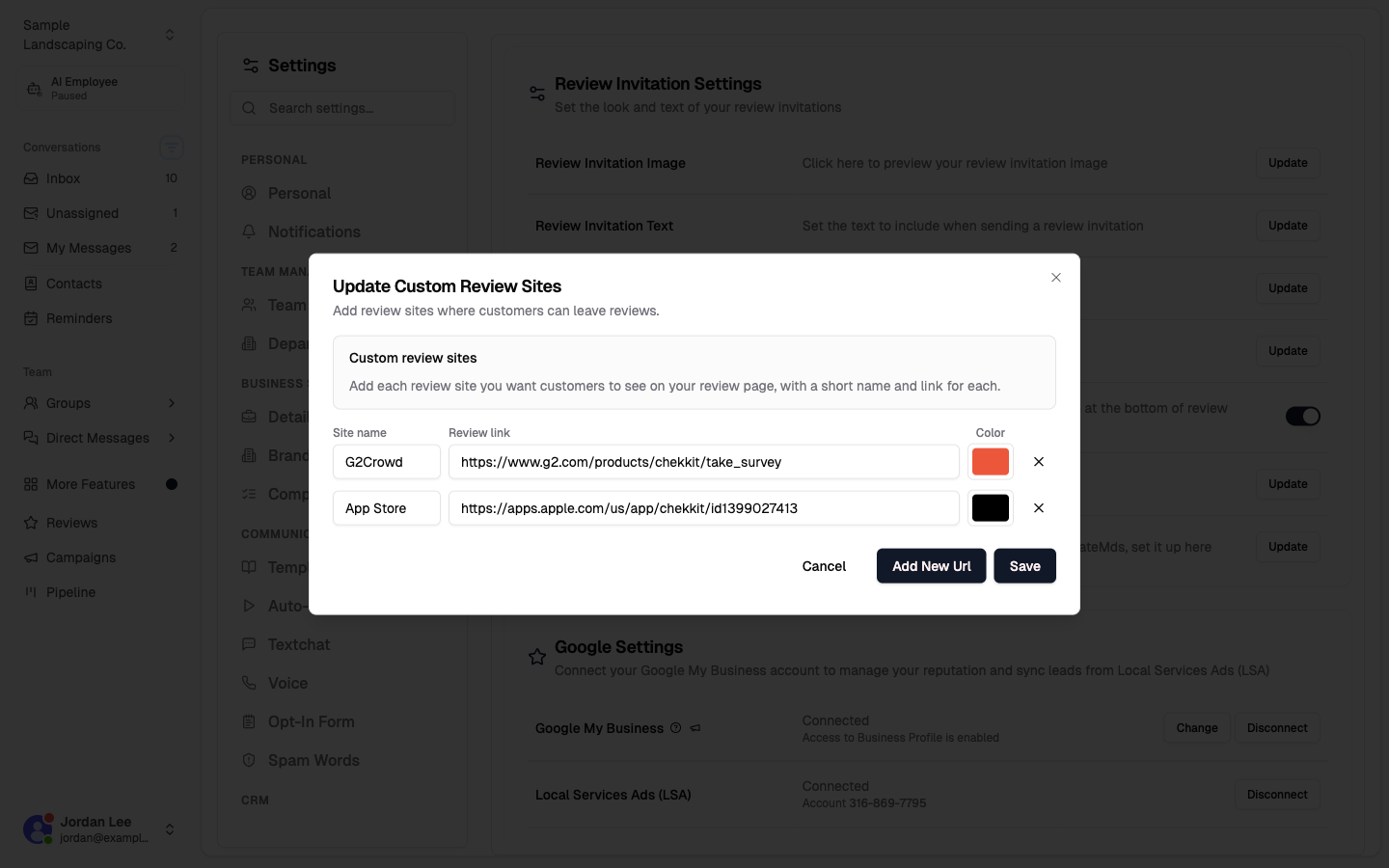
Your customers will now be given the option to leave a review for your business on the review site of your choosing. If you'd like to change the colour of the bubble, click the colour next to the URL.
* * *
Hopefully, this helps you get everything running, but if you have any difficulties or other questions please contact us at support@chekkit.io!